Design
How To Design Your Home Page
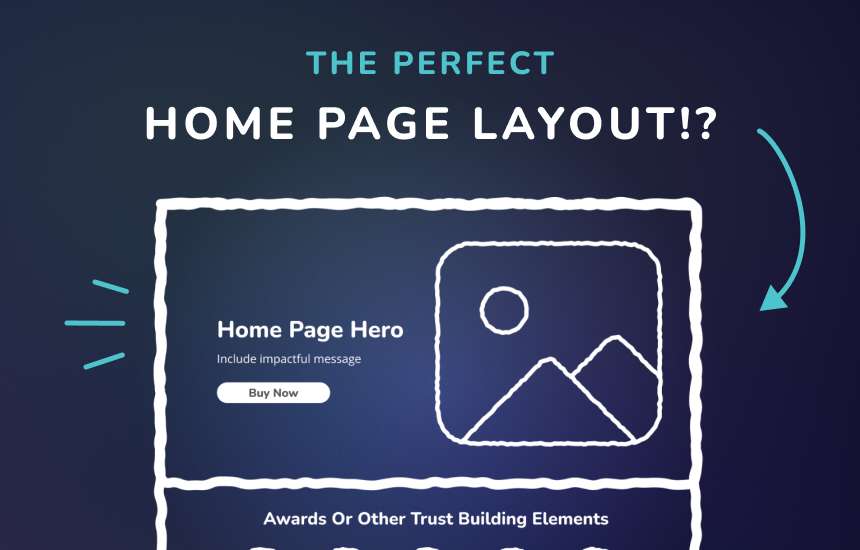
Want to know how to create the perfect home page for your website?
Your home page is kind of like a first date. You want to make a great impression, show off your best qualities, and most importantly make the other person want to see you again (or in this case, click your call-to-action).
When creating your home page, put yourself in your customer’s shoes.
What are they looking for? What questions do they have? What action do you want them to take?
Thinking about their journey will make it so much easier to plan out your content and design.
Every home page is a little different depending on your business, but here’s my go-to layout that works across pretty much every industry:
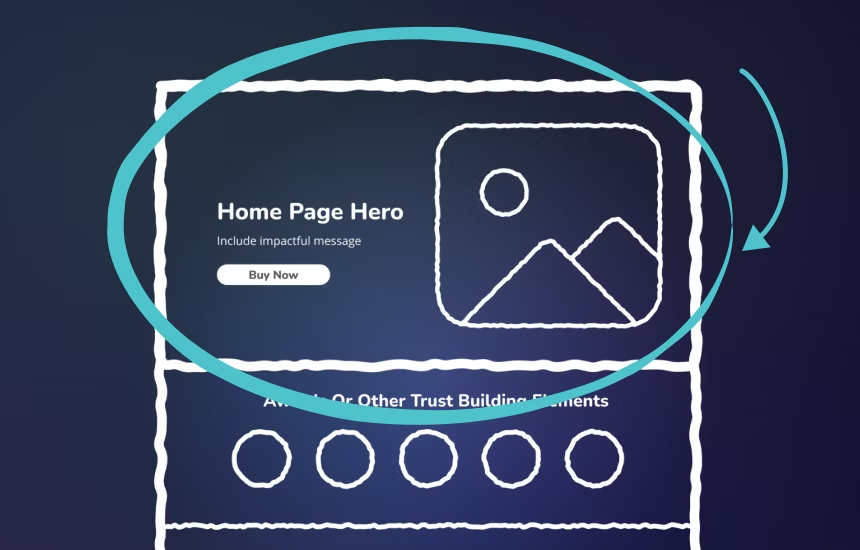
1. Hero Section
This is your elevator pitch, the first thing people see.
Use this section to clearly communicate what you do and how you help. Keep it snappy, benefit-focused, and include a strong call-to-action (CTA). What’s the one thing you want your visitor to do first? Tell them here.
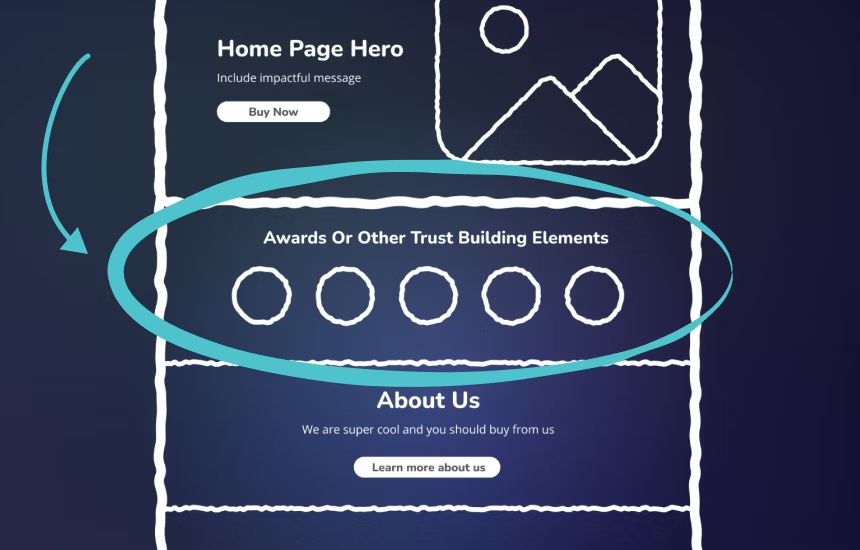
2. Trust Builders
Don’t be shy! This is where you put your best foot forward. You’re awesome and you need to show it off.
Include trust-building elements like:
- Client logos
- Awards
- Certifications
- 5-star review counts
This section is all about proving you’re legit and worth their time.
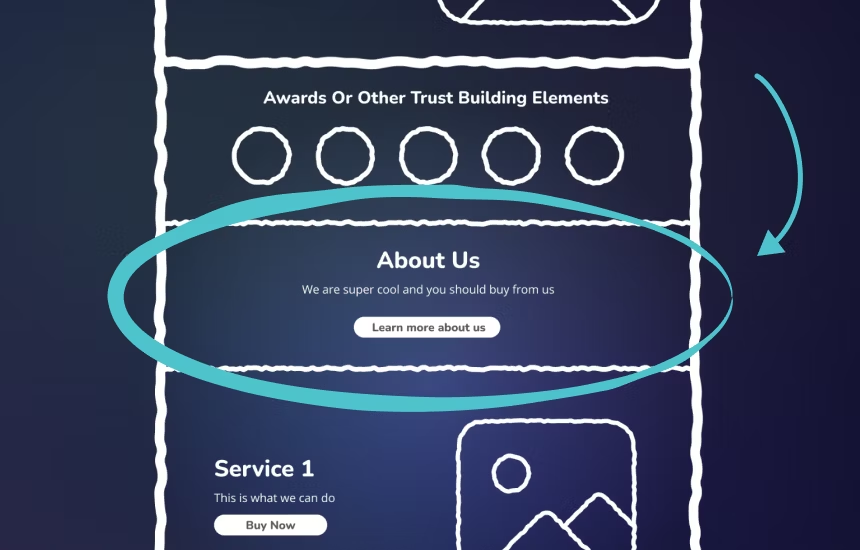
3. About / Why Choose Us
Your customers want to know who they’re working with.
This section builds connection and rapport. Share what makes you different, your story, your values, or even a quick intro video. Make it human and relatable.
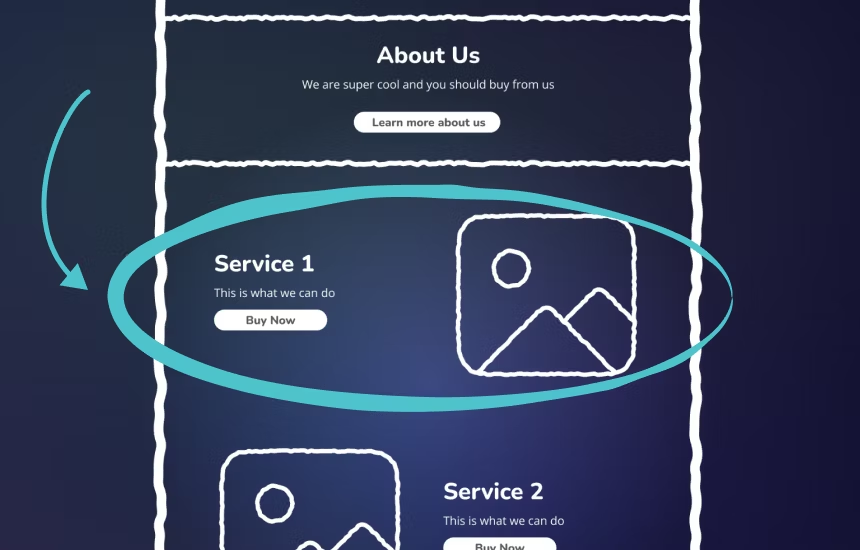
4. Services or Products
Now that they know who you are, show them what you offer.
This is your chance to highlight your top services or bestselling products. Keep it visual, scannable, and easy to understand.
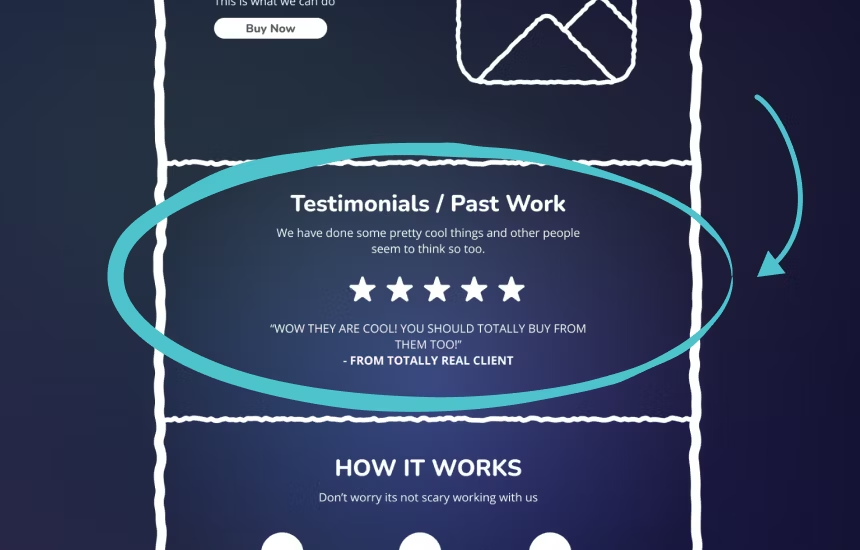
5. Social Proof – Don’t Just Say It, Display It
You’ve told them what you offer… now prove it!
Showcase:
- Testimonials
- Google reviews
- Case studies
- Before-and-afters
- Client results
People want to know if you can actually deliver, and this is how you show them you can.
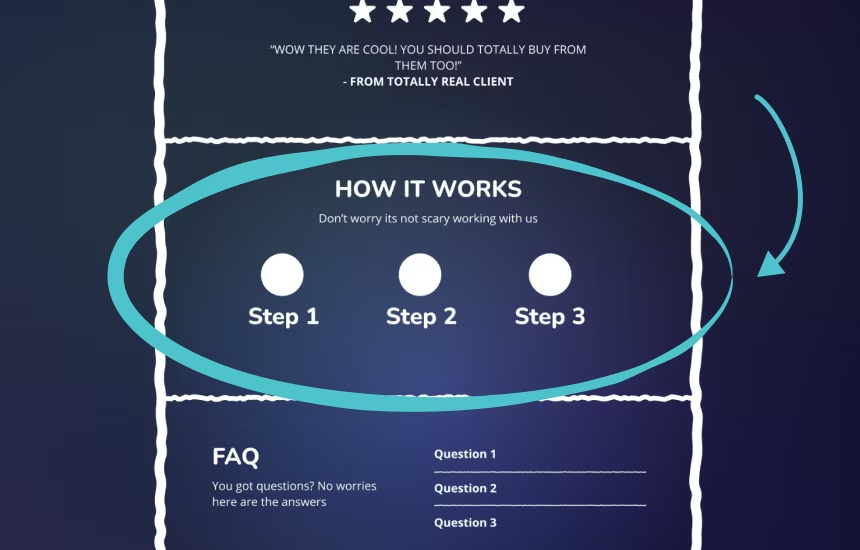
6. Benefits or How It Works
Help your visitors imagine what it’s like to work with you.
This section is all about making your process feel approachable and aligned with their goals. Whether it’s a “How It Works” walkthrough or a list of benefits, make it easy for them to say, “Yes, this is for me.”
Pro tip: Not everyone should convert. You want the right people to take action, the ones who are the best fit for you.
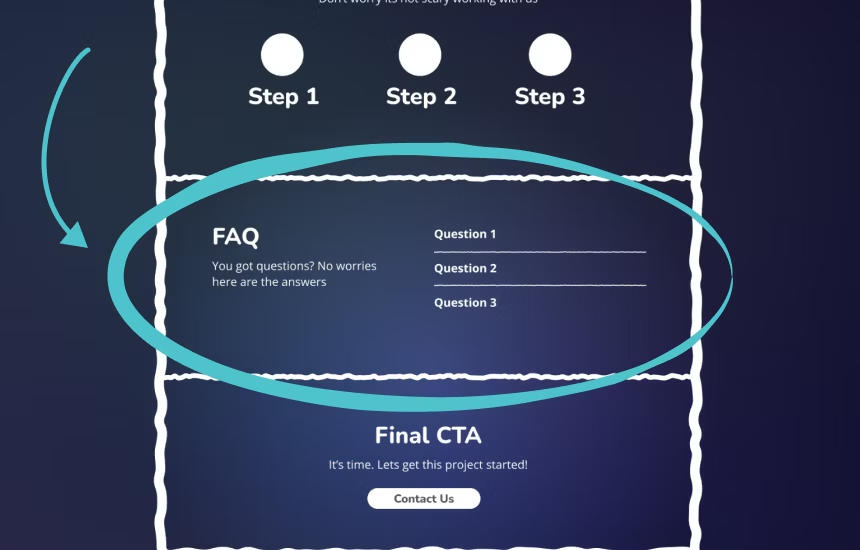
7. FAQ
Even after reading everything, visitors still might have a few hesitations.
A short FAQ helps calm nerves and answers those final “but what about…” questions that might otherwise stop them from reaching out.
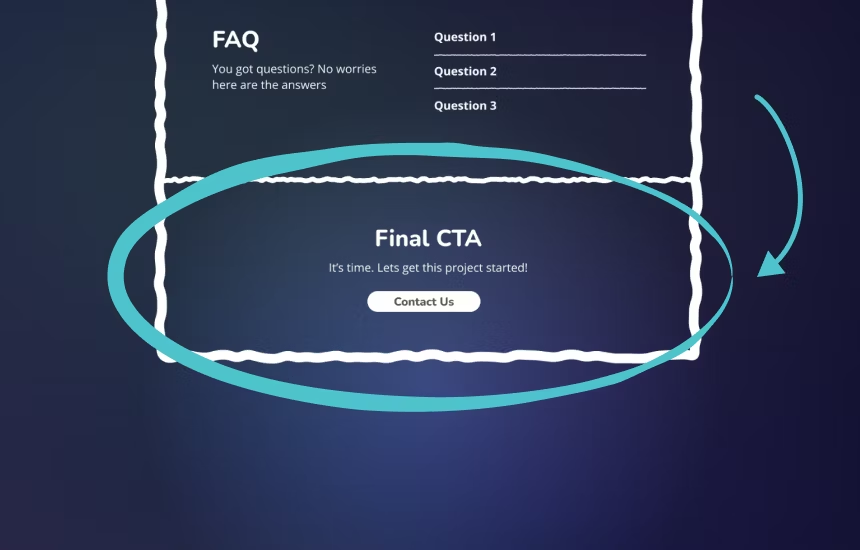
8. Final CTA
They made it all the way to the bottom don’t leave them hanging.
Wrap up with a clear, strong CTA that ties everything together. This is your last chance to convert a visitor into a lead, customer, or subscriber. Don’t forget it.
Wrap-Up
And that’s my home page winning formula.
If you’re missing any of these sections, your visitors might be slipping away before they even get to know how awesome your offer really is.
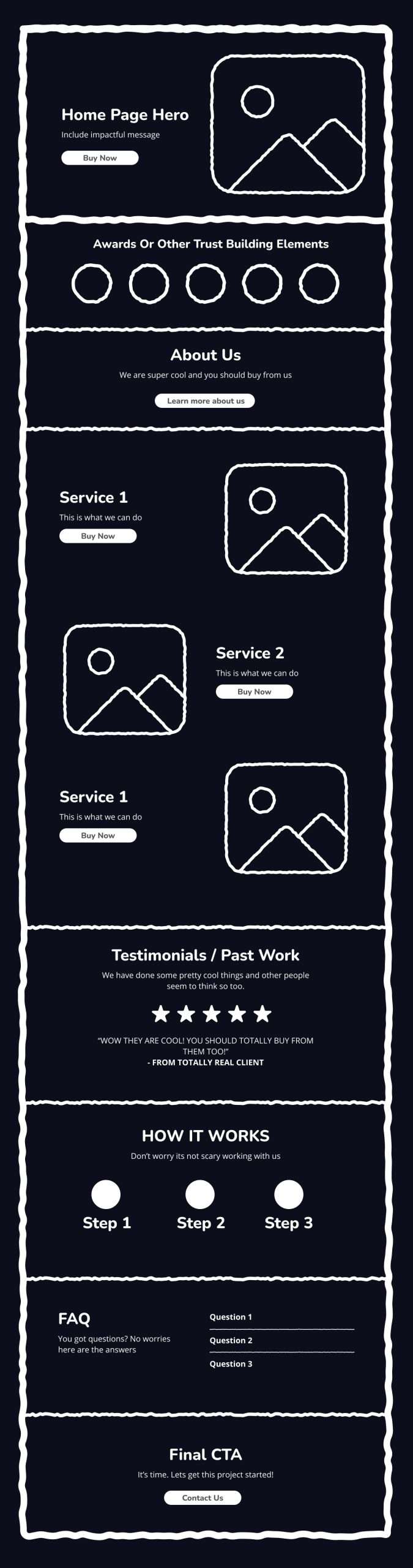
Here is the full wireframe you can steal 😉